

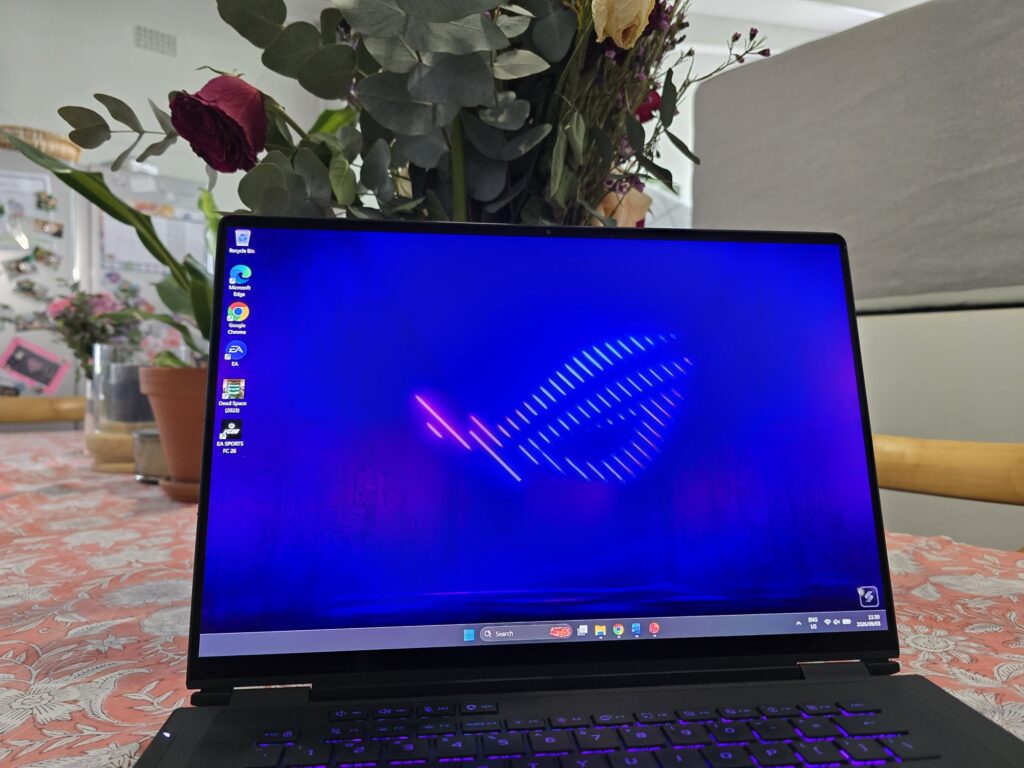
The Asus ROG Zephyrus Duo (2026) pairs a stacked dual-screen chassis with a pair of 16-inch 3K 120Hz OLED displays, a 90Whr battery, and Intel’s Core Ultra 9 processor architecture paired with Nvidia’s RTX 5090 GPU. Positioned as an uncompromising dual-screen flagship, it competes directly with other high-performance portables. Given its enthusiast-grade underpinnings, the laptop prioritizes extreme multitasking, heavy creative workloads, and high-frame-rate gaming over lightweight portability or extended unplugged operation. In our in-depth review of the Asus ROG Zephyrus Duo (2026) we investigate how it stacks up in a modern laptop environment and if it’s the perfect all-around.
Read: Lenovo Yoga Slime 7 Aura Review: The right aura for productivity?
The platform comes in multiple configurations, including entry-level Core Ultra 7 builds and a higher-tier Core Ultra 9 386H model equipped with 64GB of RAM and a 2TB SSD. Having used the top-tier version as a primary device over the testing period, this review evaluates its performance, dual-display utility, and daily usability to help determine if Asus’s latest dual-screen flagship fits your workflow.
Design & Build
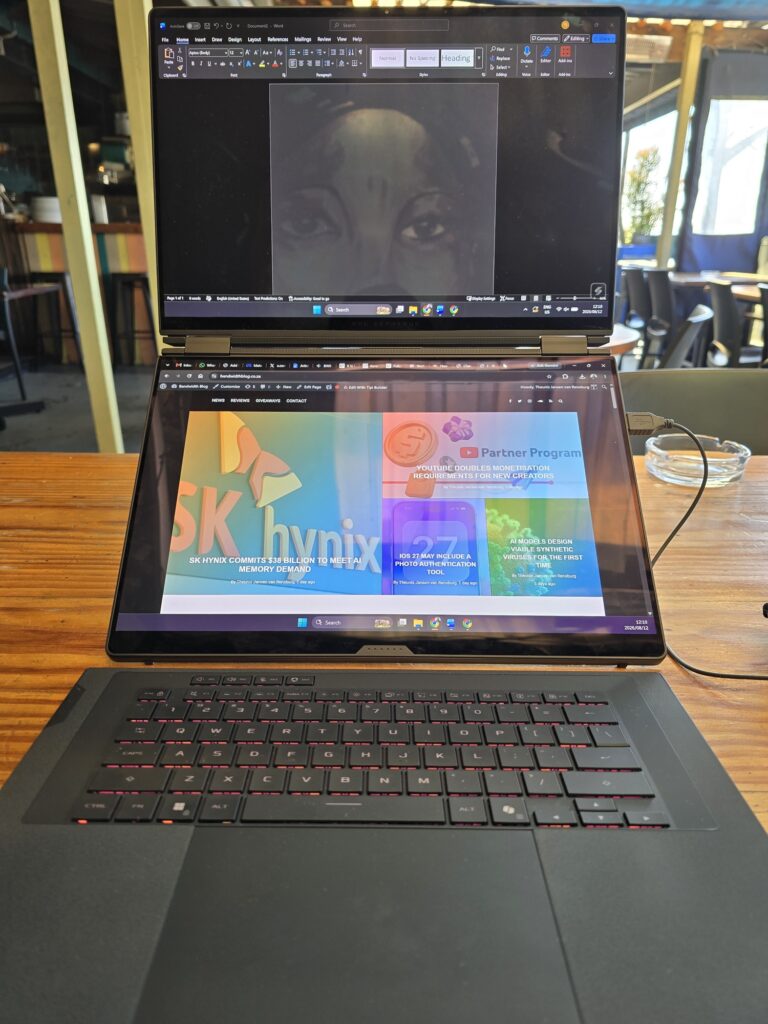
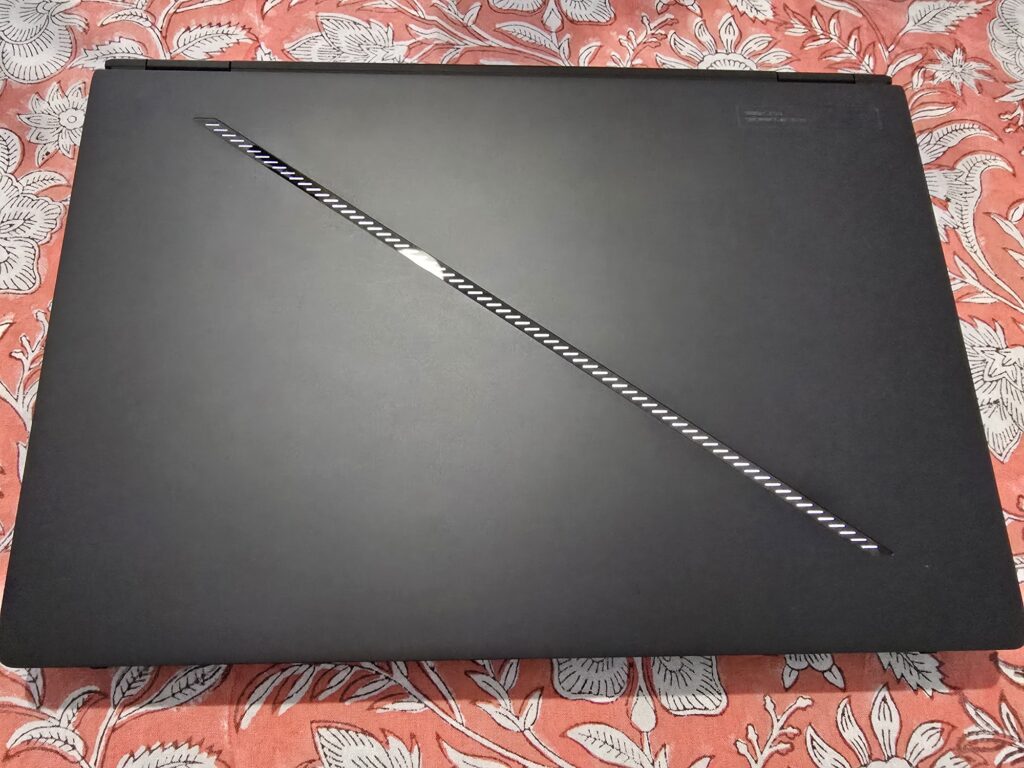
Visually and structurally, the Duo expands upon the foundation of the standard Zenbook Duo, adopting a thicker, reinforced chassis to accommodate the substantial cooling requirements of Nvidia’s high-TDP RTX 5090 graphics processor, an expanded vapor chamber assembly, and a larger 90Whr battery. Tipping the scales at 2.82kg, the laptop is approximately 1.2kg heavier than its productivity-focused sibling. However, this added mass remains remarkably reasonable given the inclusion of two 16-inch OLED panels and enthusiast-grade internal components.
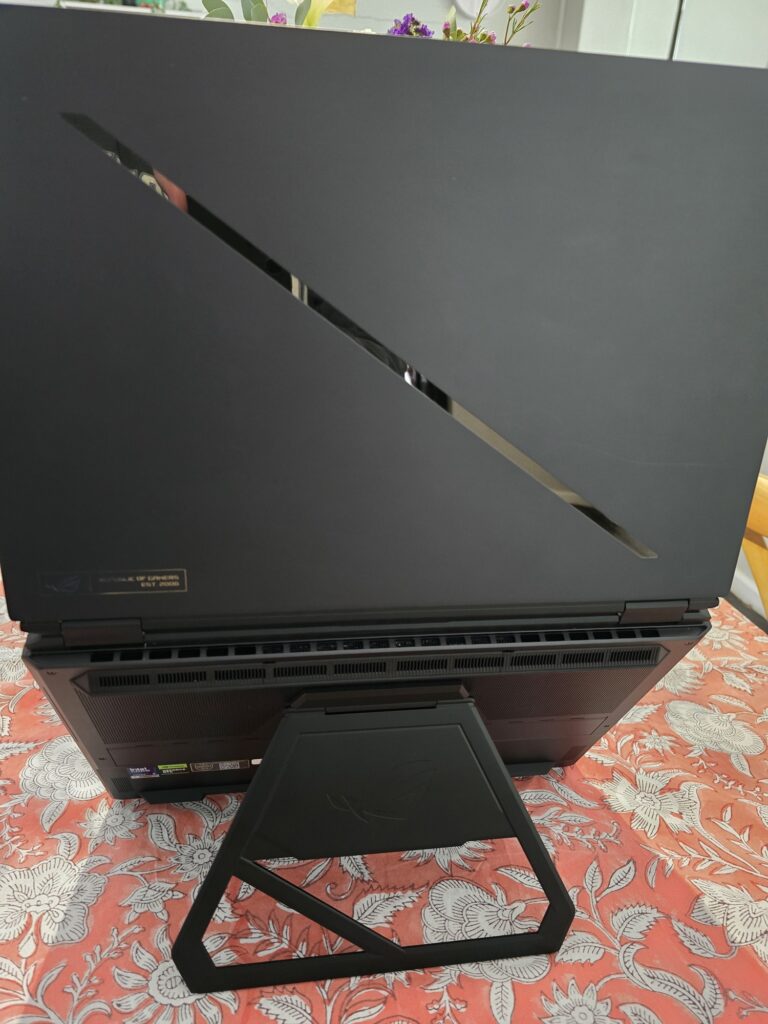
The hardware retains the multi-mode structural versatility that defines ASUS’s dual-display lineup. In traditional notebook mode, the bundled physical keyboard snaps magnetically over the lower display. Removing the keyboard and deploying the integrated rear kickstand transforms the system into an ergonomic, stacked dual-screen workstation with the keyboard positioned wirelessly on the desk. Users can also rotate the chassis 90 degrees into a vertical portrait orientation, creating a dual-page layout like an oversized digital ledger.
Connectivity is comprehensive across both flanks of the base. The left side houses a heavy-duty DC power input, a full-sized HDMI video port, one USB-A port, and a Thunderbolt 4-capable USB-C port. The right flank accommodates a second Thunderbolt 4 port, an additional USB-A port, a full-sized MicroSD card reader, and the primary power button.
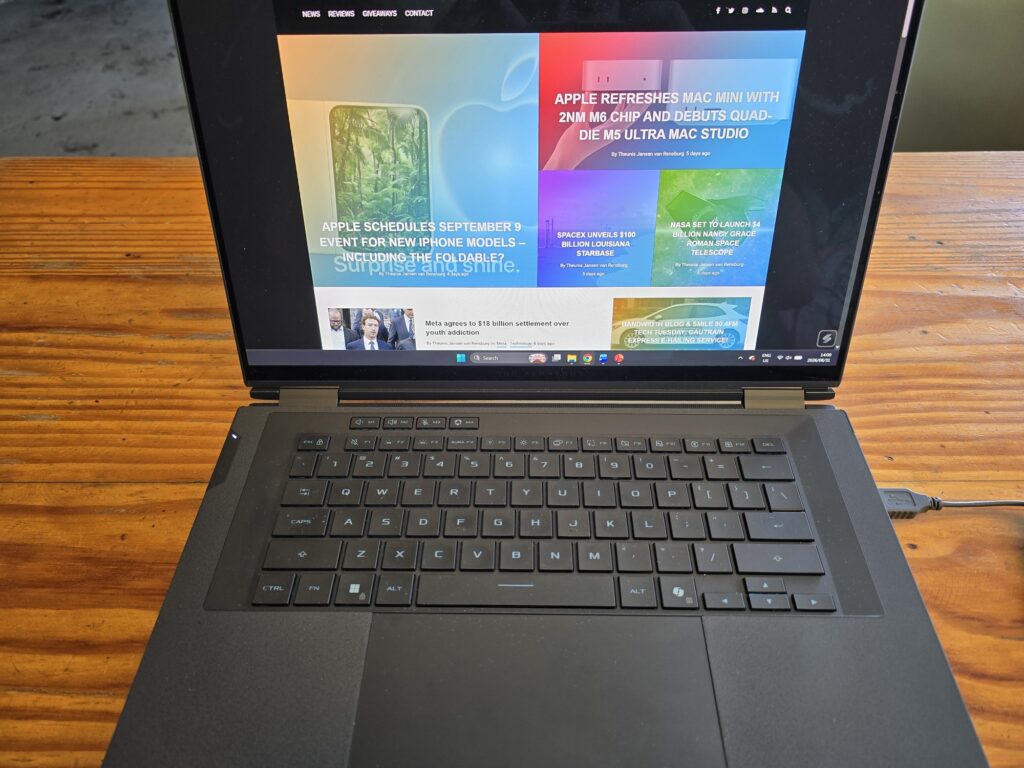
ASUS has refined the detachable keyboard assembly, which pairs to the chassis via retractable pogo pins, Bluetooth, or a dedicated USB-C port located on its left side. Paired with an exceptionally smooth, responsive glass touchpad, the physical keyboard delivers comfortable key travel, though the thin housing retains a slight structural flex during heavy typing sessions. Users can also invoke a virtual on-screen keyboard and touchpad on the lower display via a six-finger tap gesture. While functional for quick searches, the virtual deck lacks physical tactility, making the physical keyboard essential for serious productivity.
In line with modern environmental standards, ASUS ships the ROG Zephyrus Duo in completely plastic-free packaging, utilizing recyclable cardboard boxing and paper protective sleeves for the laptop, cables, and power adapter.
Display & Audio
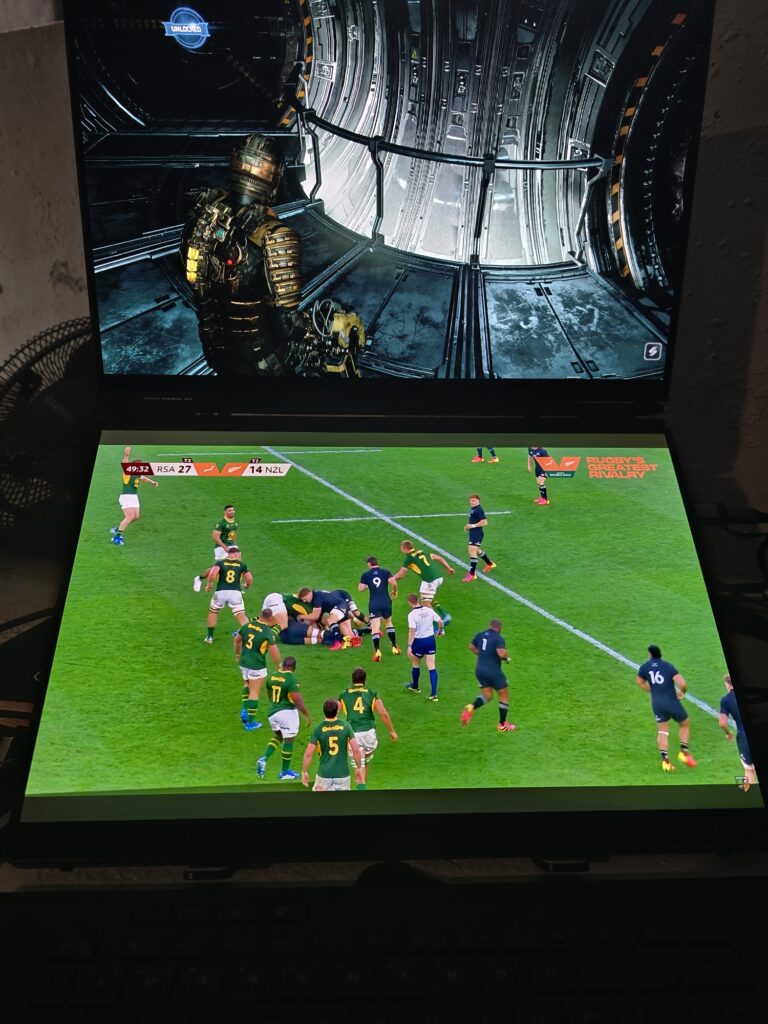
The visual experience on the ROG Zephyrus Duo is not only a party trick. It is a true multitasking dream, founded by the two 16-inch OLED touchscreens. Each panel features a high-density 3K resolution (2880×1800), a fluid 120Hz refresh rate, and a tall 16:10 aspect ratio that provides valuable extra vertical canvas for timeline editing, coding, gaming and multi-window workflows. Both displays respond instantly to touch gestures and support precise active input via ASUS’s stylus. Additionally, the 180-degree lay-flat hinge allows the notebook to unfold completely flat across a table, enabling seamless content sharing and collaborative review sessions.
Colour fidelity on both OLED panels is exceptional, meeting the demanding standards of professional digital content creators and gamers. Contrast is amazing, and colour accuracy is the best a laptop has to offer. Having two such amazing displays on a single laptop really is an expectation-altering experience. I can’t look at my regular laptop (which also has an amazing display) in the same light anymore.
The displays reach up to 1,100 nits of peak HDR brightness for highlight punch in supported games and video content. In standard dynamic range (SDR) testing, the primary screen registered 458.2 nits of peak brightness, a roughly 25 percent increase over the previous-generation dual-screen Zenbook model.

Audio hardware receives an upgrade with a redesigned six-speaker array engineered to project sound outward from the lateral edges of the chassis. Clarity and stereo separation are maximized when the notebook is tilted upward on its integrated kickstand, producing clean mid-range response, crisp highs, and noticeable low-end resonance. The system also includes integrated Dolby Atmos spatial audio processing, providing expansive soundstage virtualization and precise directional cues during gaming and media consumption.
Performance
Under the hood, it transitions to Intel’s Panther Lake platform, configured here with the top-spec Core Ultra 9 386H processor. Positioned as the direct successor to the previous generation’s Core Ultra 9 285H, the chip features a 16-core, 16-thread design with a boost clock reaching up to 4.9GHz.
In synthetic benchmark suite testing, the Core Ultra 9 386H delivers steady, incremental generational gains over its predecessor in both single-threaded responsiveness and multi-threaded throughput. Thanks to its generous core count and elevated power allocation, the processor also pulls comfortably ahead of competing thin-and-light platforms like some AMD solutions, providing headroom for intensive multitasking, video rendering, and background processing while gaming.
Graphics horsepower is provided by Nvidia’s flagship GeForce RTX 5090 Laptop GPU, placing the system among the most powerful portable workstations on the market. In real-world gaming scenarios, the Zephyrus Duo handles demanding AAA titles with ease across both 1080p and 1440p resolutions, delivering exceptionally smooth, fluid gameplay at maximum graphical settings. Fast-paced competitive shooters easily saturate the 120Hz display, ensuring an ultra-responsive visual experience.
However, top-end graphics sits slightly behind traditional single-screen desktop replacement laptops equipped with the same GPU, due primarily to thermal and power tuning within the dual-display chassis.
See also

When enabling heavy ray-tracing effects at the native 3K resolution, native rendering performance experiences a predictable drop in smoothness. Fortunately, Nvidia’s DLSS 4 technology, powered by its updated Transformer reconstruction model, effectively eliminates these bottlenecks. Enabling DLSS upscaling and frame generation restores liquid-smooth frame delivery and sharp visual clarity, allowing the notebook to run ray-traced titles effortlessly at native resolution.
Battery
ASUS equips the ROG Zephyrus Duo with a substantial 90Whr battery cell, a necessary inclusion given the considerable power demands of Intel’s Core Ultra 9 processor, Nvidia’s flagship RTX 5090 graphics card, and twin high-resolution 3K OLED displays. Despite these demanding internals, battery endurance in lighter usage scenarios is surprisingly impressive.
In standardized battery testing using the conventional single-screen laptop orientation, the Zephyrus Duo achieved an extraordinary runtime of 15 hours and 4 minutes. While this falls somewhat short of the productivity-focused Zenbook Duo (2026, it remains an exceptional result for an enthusiast gaming notebook. In practice, users can comfortably expect one full working day of light office tasks, web browsing, and document editing unplugged. However, engaging heavy gaming sessions or intensive creative workloads with both OLED displays active on battery power will drain the cell far more rapidly, making proximity to a wall outlet essential for sustained performance.
To support the system’s power requirements and enable rapid replenishment, ASUS bundles the notebook with a heavy-duty 300W power adapter. Charging speeds are exceptionally swift: in timed testing, the high-capacity power brick restored the 90Whr battery from empty to 50 percent capacity in just 27 minutes, achieving a complete 100 percent charge in 65 minutes
Conclusion
In conclusion, the ASUS ROG Zephyrus Duo proves to be an exceptionally powerful and remarkably engineered dual-screen laptop. Its refined chassis, stunning twin 3K 120Hz OLED displays, and top-tier internals deliver a sublime experience for both high-end gaming and heavy professional creative workflows. The ability to seamlessly transform from a conventional notebook into an expansive dual-screen workstation, backed by surprisingly resilient single-screen battery life, is a testament to its engineering achievements. While the trade-offs come in the form of a heavier 2.82kg chassis, rapid battery drain under full dual-display load, and a slightly constrained 150W TGP on the RTX 5090 compared to bulkier single-screen rivals, the system manages its thermal and power constraints effectively.
The choice for buyers will come down to weighing the substantial financial investment against the unmatched multitasking utility of its dual-display form factor. Commanding a premium price tag in South Africa over R100,000 for this flagship configuration, it is strictly an enthusiast-tier investment. However, for heavy, professional, and enthusiast users who demand maximum screen real estate, top-tier graphics performance, and uncompromising productivity on the go, the ROG Zephyrus Duo (2026) is a cutting-edge powerhouse that easily justifies its price tag and sets a new benchmark for mobile workstations.

